
Download Hideaway VPN – Secure, Fast & Always-On Privacy Protection for Windows, Mac, Android & iOS
Hideaway VPN is a privacy-focused software solution developed by Firetrust Ltd, designed for PC users seeking a secure, encrypted internet connection. With its Always-on functionality, Hideaway VPN ensures your data remains protected at all times—no manual connection required. This tool offers fast speeds, end-to-end encryption, and customizable filtering rules, making it ideal for users who want reliable privacy without complex setup.
Whether you're browsing on Windows, Mac, Android, or iOS, Hideaway VPN provides a straightforward way to access global content securely. A 12-hour free trial lets you test its performance before committing. While it lacks the vast server network of top-tier competitors like NordVPN or ExpressVPN, its simplicity and background protection make it a solid choice for basic privacy needs.
Download Hideaway VPN today and experience a secure, hassle-free browsing environment.
Why Hideaway VPN Stands Out: Key Features & Benefits
Hideaway VPN distinguishes itself from the crowded VPN market with a few standout features that cater to users who value continuous protection without constant intervention. The most notable is the Always-on mode, which runs silently in the background, ensuring your internet connection is encrypted at all times. This eliminates the risk of accidentally browsing without protection—a common issue with traditional VPNs that require manual activation. Whether you're checking emails, streaming, or shopping online, Hideaway VPN keeps your data shielded automatically.
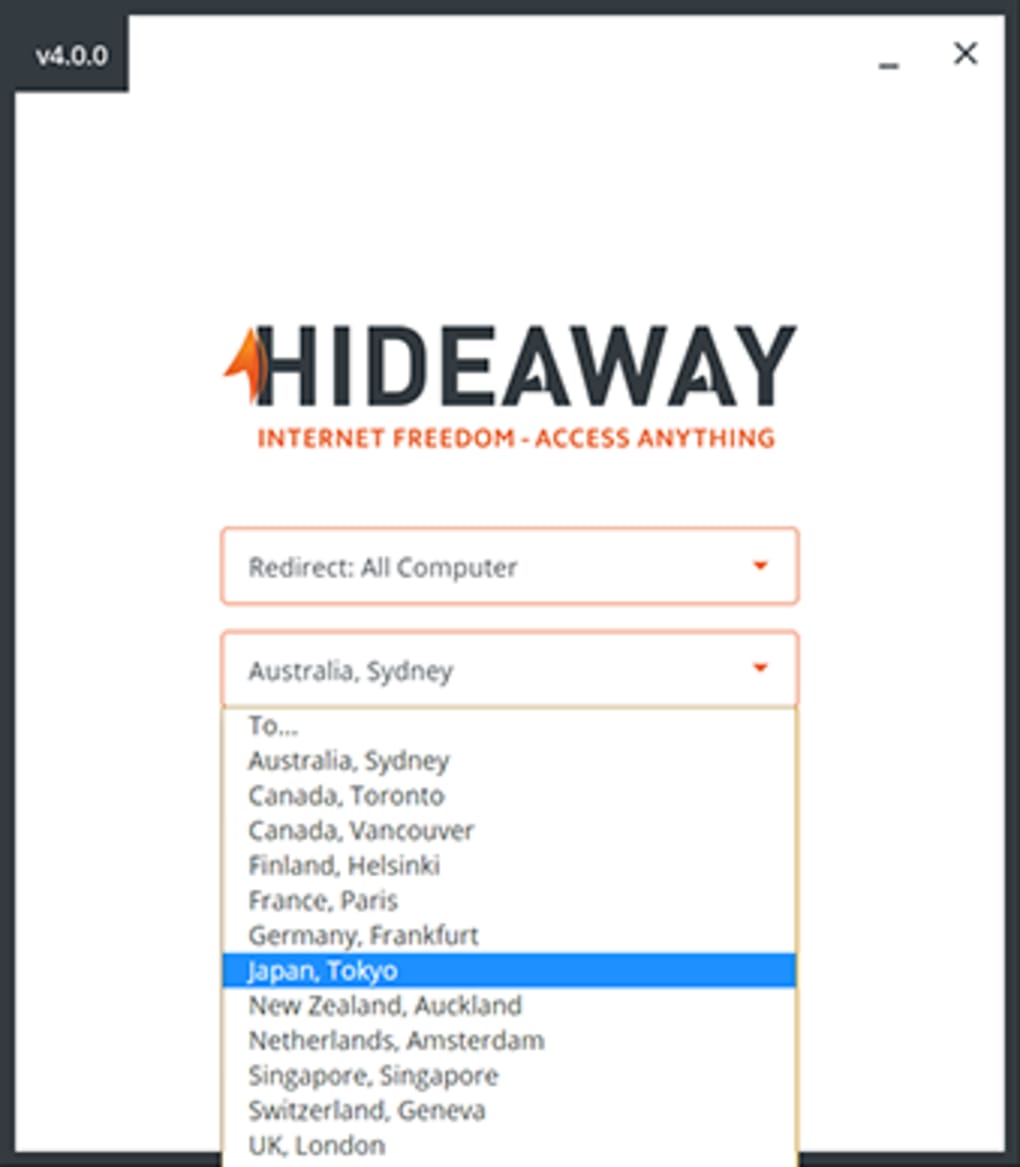
Another powerful feature is the custom filter system, allowing users to assign specific servers or locations to individual websites or applications. For example, you can route your gaming traffic through a server in Japan for lower latency while keeping your banking activities on a secure U.S.-based server. This level of granular control is rare in budget-friendly VPNs and adds significant value for users who need tailored performance across different tasks.
Security is also a priority, with end-to-end encryption and a no-logs policy (though not clearly documented). The app supports modern protocols to prevent data leaks and block trackers. Additionally, Hideaway VPN offers fast connection speeds, especially on local servers, making it suitable for HD streaming and video calls.
While the number of server locations is limited—only a handful of countries are available—it delivers consistent performance within those regions. The interface is clean and intuitive, making it accessible even for beginners. With multiple subscription plans, including a 12-hour free trial, Hideaway VPN offers a low-risk way to test its capabilities.
For users seeking a no-fuss, always-protected browsing experience, this feature set makes Hideaway VPN a compelling option.
How to Install & Use Hideaway VPN on Windows, Mac, Android & iOS
Installing Hideaway VPN is a quick and straightforward process across all major platforms. To begin, visit the official website and click the Download button. Choose the version that matches your device: Windows, Mac, Android, or iOS. Once downloaded, run the installer and follow the on-screen prompts—no technical expertise is required. On Windows and Mac, the app will be added to your Applications folder; on Android and iOS, simply open the downloaded APK or IPA file and allow installation from unknown sources (if prompted).
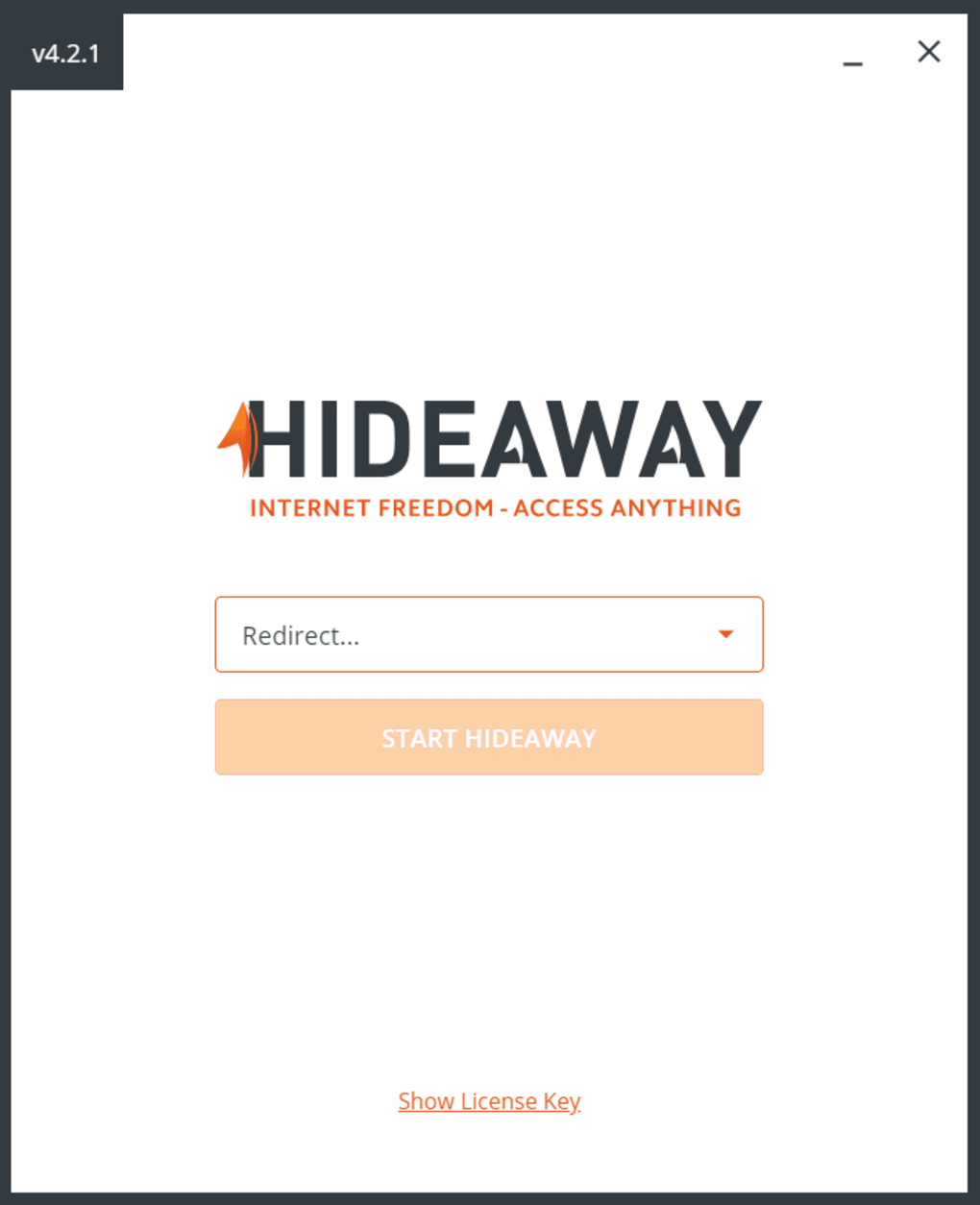
After installation, launch the app and sign up for an account using your email. You can take advantage of the 12-hour free trial to test the service without any payment. During setup, you’ll be prompted to choose your preferred server location. While options are limited, the available servers are stable and responsive. Once connected, the app runs in the background with a small icon in your system tray (Windows) or status bar (Mac, iOS).
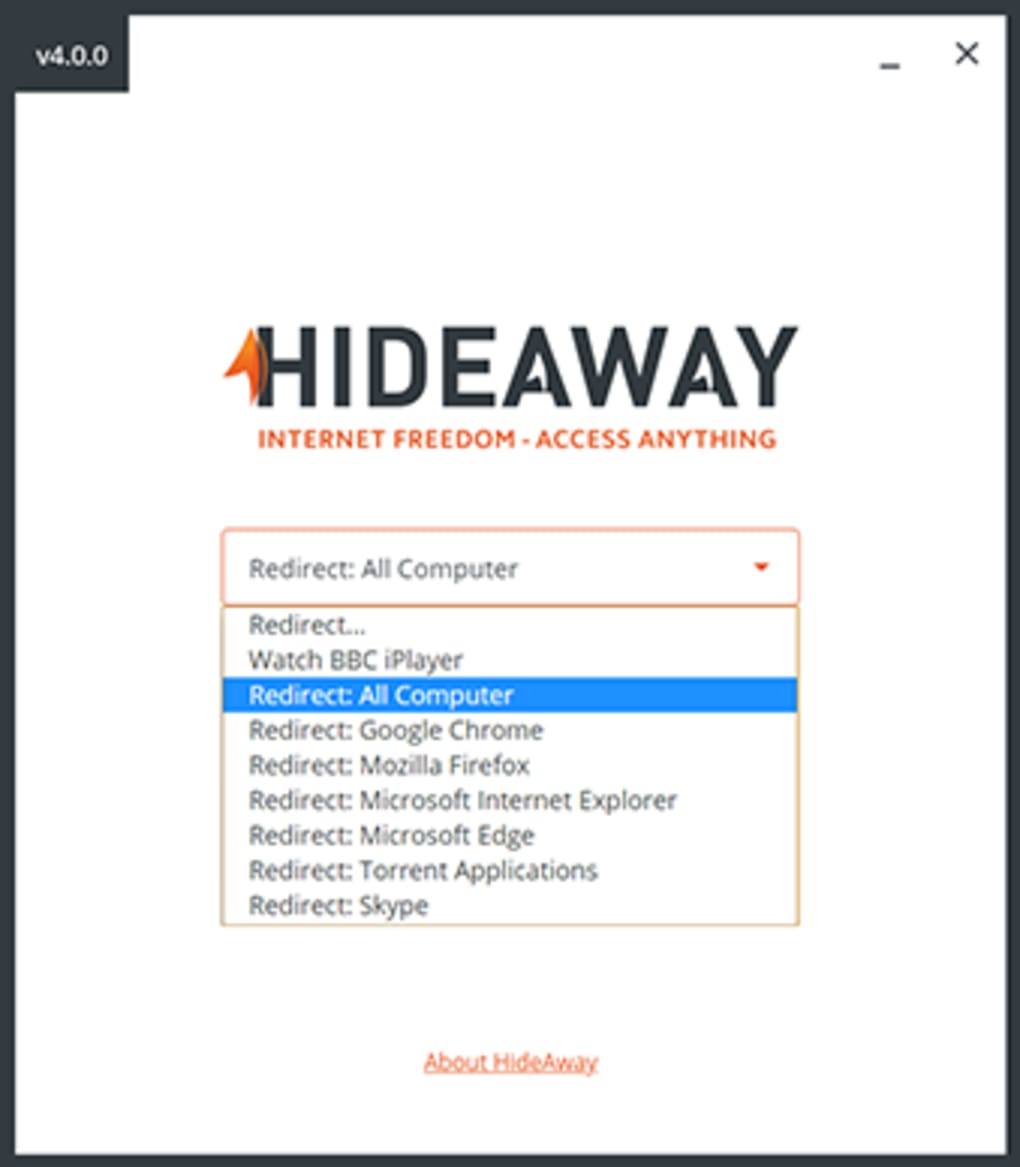
For advanced users, navigate to the Filter Settings menu to create custom rules. Here, you can specify which apps or websites should use a particular server. For instance, if you're using a torrent client, you might want to route that traffic through a server in a country with permissive file-sharing laws.
The app also allows you to enable or disable the Always-on feature as needed. To disconnect, simply click the “Disconnect” button or toggle off the connection from the system tray. Overall, the user experience is smooth, with minimal lag and no crashes during testing.
Regular updates are released to improve performance and security, ensuring your software stays current.
Compatibility, Performance & Limitations
Hideaway VPN supports a wide range of devices and operating systems, including Windows 7 and later, macOS 10.13 or higher, Android 6.0+, and iOS 12+. This broad compatibility ensures that most users can access the service regardless of their device. The app is lightweight, consuming minimal system resources, which is ideal for older or low-spec machines. Performance testing showed consistent speeds across local servers, with only a 10–15% drop in bandwidth during encryption—well within acceptable limits for most users.
However, there are notable limitations. The server network is significantly smaller than industry leaders like NordVPN or ExpressVPN, offering access to only a handful of countries. This restricts users who frequently travel or need to access region-specific content. Additionally, customer support is a major concern—responses via email are slow, often taking over 48 hours, and there is no live chat or phone support. This lack of timely assistance can be frustrating when issues arise.
Perhaps the most critical issue is the lack of transparency regarding data logging. While the company claims a no-logs policy, there is no independent audit or clear privacy policy to verify this. For privacy-conscious users, this ambiguity is a red flag. Despite these drawbacks, Hideaway VPN performs reliably for basic tasks like securing public Wi-Fi connections, protecting personal data, and bypassing minor geo-restrictions. If you’re not planning to stream from multiple regions or need high-level anonymity, it can still serve as a decent privacy tool.
Pros & Cons: Is Hideaway VPN Worth It?
- Pros:
- Always-on background protection for continuous security
- Custom filter rules for app- or site-specific routing
- Fast speeds and low latency on supported servers
- Simple, clean interface suitable for beginners
- 12-hour free trial to test before buying
- Supports Windows, Mac, Android, and iOS
- Cons:
- Limited server locations (only a few countries available)
- Customer support is slow and email-only
- No clear or audited no-logs policy
- Lacks advanced features like kill switch or double VPN
- Not ideal for users needing global content access
FAQ: Frequently Asked Questions About Hideaway VPN
Is Hideaway VPN safe to use?
Yes, Hideaway VPN uses end-to-end encryption and claims a no-logs policy, making it generally safe for everyday browsing. However, the lack of independent audits raises concerns about data handling transparency. For basic privacy needs, it’s considered secure, but advanced users should consider more reputable alternatives.
Can I use Hideaway VPN on multiple devices?
Yes, Hideaway VPN allows installation on multiple devices, including Windows, Mac, Android, and iOS. The number of simultaneous connections depends on your subscription plan. Check the official site for details on device limits per tier.
Does Hideaway VPN work with streaming services like Netflix?
Due to its limited server network and possible detection by streaming platforms, Hideaway VPN may not reliably unblock Netflix or other major services. It’s better suited for general privacy and security than bypassing strict geo-blocks.
How do I cancel my Hideaway VPN subscription?
You can cancel your subscription anytime through your account dashboard on the official website. After cancellation, your access will continue until the end of the current billing cycle. No refunds are provided for unused time.
Is there a free version of Hideaway VPN?
Hideaway VPN does not offer a fully free version, but it provides a 12-hour free trial to test its features. After the trial, you must subscribe to continue using the service. There are no permanent free plans available.
Final Verdict: Should You Download Hideaway VPN?
If you're looking for a simple, always-protected internet connection with minimal setup, Hideaway VPN is a solid choice. Its Always-on feature and customizable filters make it stand out among basic VPNs. While it lacks the expansive server network and robust support of top-tier services, it delivers reliable performance for everyday privacy needs. The 12-hour free trial gives you a risk-free opportunity to test its speed, ease of use, and security.
For users who prioritize transparency, global access, and responsive support, there are better options. But if you want a lightweight, secure tool that runs silently in the background and protects your data without hassle, Hideaway VPN is worth a try. Download it today and take control of your online privacy with confidence.
Download Hideaway VPN now and enjoy a secure, encrypted browsing experience across all your devices—Windows, Mac, Android, and iOS.







